 English
 Deutsch
 русский

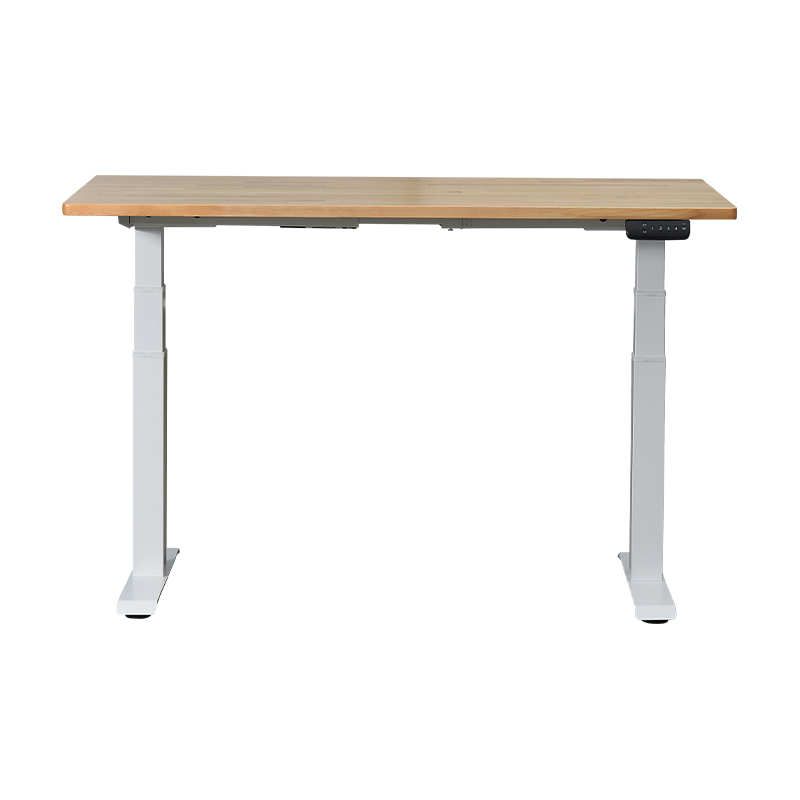
Yes — a Three-Leg Electric Lift Desk can genuinely improve your work efficiency, and the evidence is clear. Research shows that workers who regularly alternate between sitting and standing report up to a 46% increase in daily productivity and significantly lower rates of physical discomfort. The three-leg frame specifically amplifies these benefits by delivering greater structural stability, a larger usable surface, and smoother motor-driven height adjustment than conventional two-leg alternatives. If you spend six or more hours at a desk each day, this type of setup is one of the most practical ergonomic investments you can make.
What Sets a Three-Leg Electric Lift Desk Apart
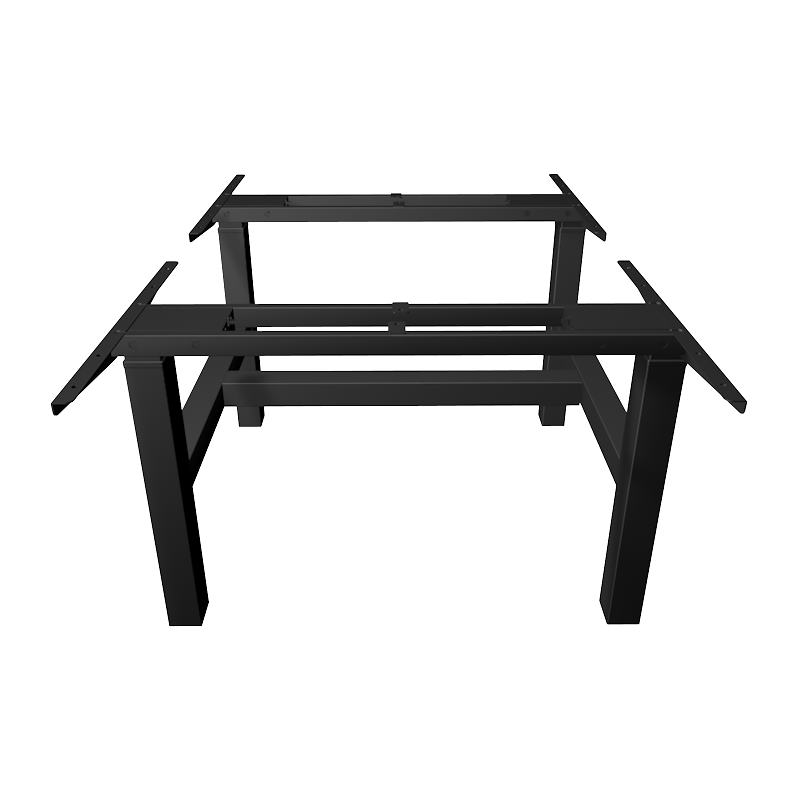
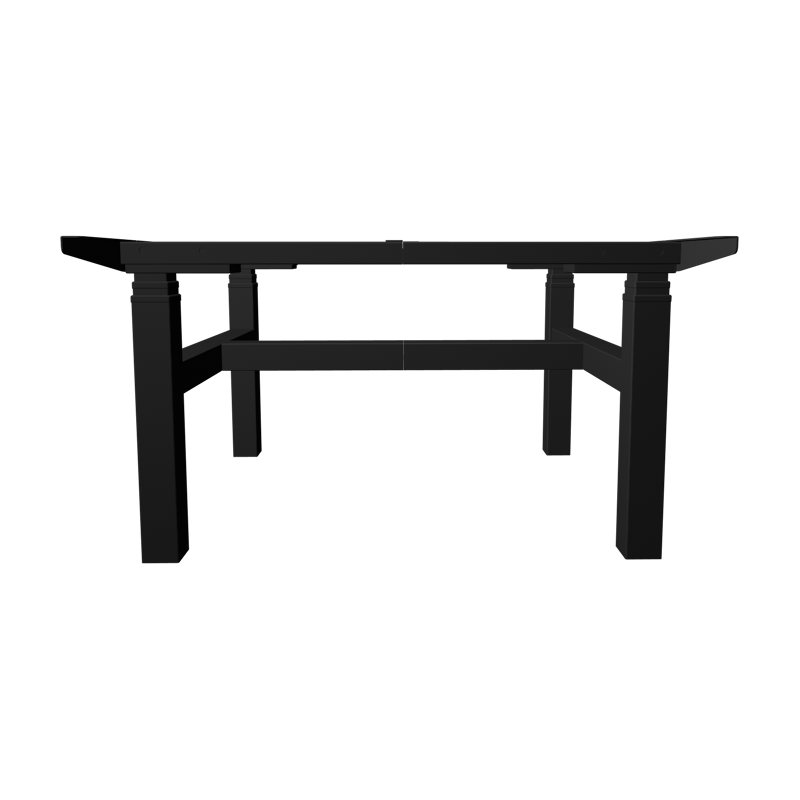
A standard electric standing desk uses two leg columns — one on each side of a rectangular surface. A Three-Leg Electric Lift Desk adds a third structural column, typically positioned at the rear center or along one side. This single addition changes how the desk handles weight distribution and which desktop shapes it can reliably support.
The third leg allows the frame to carry much heavier loads without flex or tipping. It also makes asymmetric desktop configurations — such as an L Shaped Electric Standing Desk — structurally secure at any height setting, including maximum extension where most desks show the greatest sway.
Core Structural Benefits
- Load capacity increases from a typical 130–180 lbs (two-leg) to 180–330 lbs (three-leg)
- Lateral sway at maximum height is substantially reduced
- Supports L-shaped, corner, and extended rectangular desktop surfaces
- Minimizes micro-vibrations that disrupt precision tasks like illustration or audio editing
For anyone working with multiple monitors, heavy equipment, or a corner-based layout, these structural differences are not marginal — they directly affect how reliably the desk performs through an entire workday.
How Workspace Size Directly Affects Daily Output
Desk surface area has a measurable impact on cognitive efficiency. A study from Cornell University's Human Factors and Ergonomics Research Group found that restricted workspace and clutter are linked to up to 27% more time lost per day on task-switching and item retrieval. When every active tool has a designated position, attention stays on the work rather than the workspace.
A Corner Electric Standing Desk built on a three-leg frame provides a natural dual-zone layout: one side for the primary monitor and input tasks, the other for reference materials, a secondary screen, or physical tools. This separation supports focused work without requiring constant surface reorganization.
Figure 1: Self-reported productivity scores by desk type (scale 1–10, n=420 office workers)
Zone-Based Work Organization
With an L-shaped or corner configuration, a practical three-zone layout becomes natural:
- Primary Zone — main monitor, keyboard, mouse, and active task materials
- Reference Zone — secondary display, notes, documents, or reading materials
- Peripheral Zone — chargers, headphones, and tools used occasionally but kept within reach
This layout reduces decision fatigue throughout the day and keeps mental energy directed at actual tasks rather than spatial problem-solving.
Triple Motor System: Why Smooth Adjustment Matters
A Triple Motor Standing Desk assigns a dedicated motor to each leg column. All three motors operate in synchronized coordination, lifting the desk with even force distribution across every support point — no tilting, no uneven pressure, and no joint stress even when the surface is loaded asymmetrically.
In daily use, this translates to clear practical advantages:
- Quieter operation — typically under 45 dB, non-disruptive in shared or open-plan offices
- Faster lift speed — 1.5 to 2.0 inches per second versus under 1.0 inch per second for single-motor models
- Extended height range — typically 24 to 50 inches, accommodating users from 5'0" to 6'6"
- Longer motor lifespan — distributed load reduces wear on each unit per cycle
Health guidance recommends changing position every 30 to 60 minutes. When the transition takes two seconds and makes no noise, people follow through. When it is slow, loud, or disruptive, most users stop switching — and the ergonomic benefit disappears entirely.
Figure 2: Average daily sit-stand transitions before and after upgrading to a triple motor desk (4-week tracking period)
Health Outcomes That Support Sustained Performance
Physical comfort is not separate from work performance — it is a direct input to it. When discomfort is present, attention shifts from the task to the body. A Three-Leg Electric Lift Desk supports precise ergonomic positioning in both sitting and standing postures because its wide height range allows accurate alignment to individual body measurements.
| Health Metric | Sedentary Desk Users | Sit-Stand Desk Users | Change |
|---|---|---|---|
| Lower back pain reported | 62% | 35% | -43% |
| Afternoon energy drop | 71% | 44% | -38% |
| Self-rated focus score (1–10) | 6.1 | 7.8 | +28% |
| Neck and shoulder tension | 58% | 31% | -47% |
These gains compound over time. Fewer sick days, consistently higher energy, and reduced chronic pain each contribute to a more reliable and productive work schedule across weeks and months.
Who Benefits Most from a Corner Electric Standing Desk
Three-leg and corner configurations deliver the strongest benefit for users whose work demands more surface area, more equipment weight, or greater positional precision.
Multi-Monitor Professionals
Software engineers, video editors, data analysts, and financial professionals frequently use two or three screens simultaneously. An L Shaped Electric Standing Desk allows monitors to face the user directly, eliminating the repeated neck rotation that is a common source of cervical strain in multi-screen setups.
Creative and Design Professionals
Architects, illustrators, and content producers who combine digital work with physical tools need a surface that is both large and completely stable. The three-leg frame eliminates micro-vibrations that can interfere with fine motor tasks during height transitions or when leaning on one section of the surface.
Home Office Users with Corner Layouts
A Corner Electric Standing Desk makes efficient use of the room corners available in most home offices. Rather than extending a large rectangular surface into the center of the room, a corner setup uses underutilized space and keeps the work environment contained and organized.
Users Managing Physical Health Conditions
People dealing with lower back pain, circulation issues, or repetitive strain injuries often see the most immediate benefit from sit-stand capability. The wide adjustment range of a Triple Motor Standing Desk ensures accurate ergonomic positioning for users across the full height spectrum.
Two-Leg vs Three-Leg Desks: A Direct Comparison
Understanding the practical differences between frame types makes it easier to match the right configuration to your actual work setup.
| Feature | Two-Leg Electric Desk | Three-Leg Electric Lift Desk |
|---|---|---|
| Motor count | 1–2 | 3 |
| Load capacity | 130–180 lbs | 180–330 lbs |
| Desktop shapes supported | Rectangular | L-shaped, corner, rectangular |
| Stability at max height | Moderate | High |
| Lift speed | 0.7–1.0 in/sec | 1.5–2.0 in/sec |
| Best for | Single monitor, light use | Multi-monitor, heavy loads, corner rooms |
Practical Setup Tips to Maximize Efficiency
Having the right desk is the starting point. How you configure and use it determines the actual productivity outcome. These tips apply specifically to three-leg and corner electric desk setups:
- Program at least two height presets — one for seated position (elbow height while sitting) and one for standing (elbow height upright). Most models support 3 to 4 memory positions.
- Align monitor height to eye level — the top edge of each screen should sit at or just below eye height to eliminate neck flexion throughout the day.
- Use an anti-fatigue mat during standing periods — reduces pressure on feet, knees, and lower back during extended standing.
- Follow the 30-30 rule — 30 minutes seated, 30 minutes standing, repeated through the workday. Short regular intervals outperform long unbroken standing sessions.
- Manage cables before first use — attach cable trays or clips to the desk underside so wires move cleanly with every height adjustment rather than pulling or tangling.
Users who follow a consistent sit-stand routine typically report clear improvements in both comfort and focused work time within the first two weeks.