 English
 Deutsch
 русский

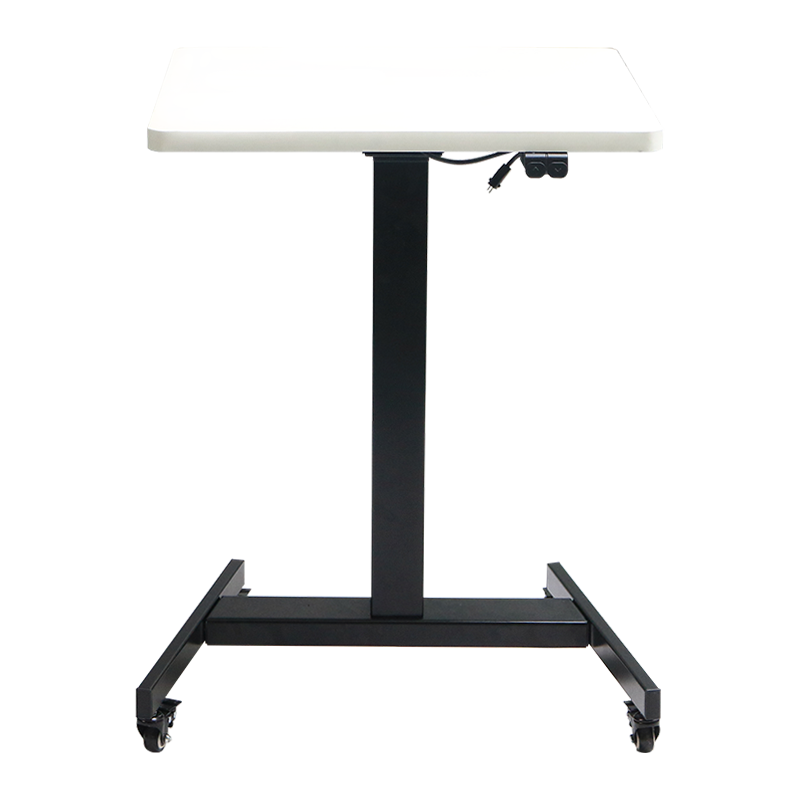
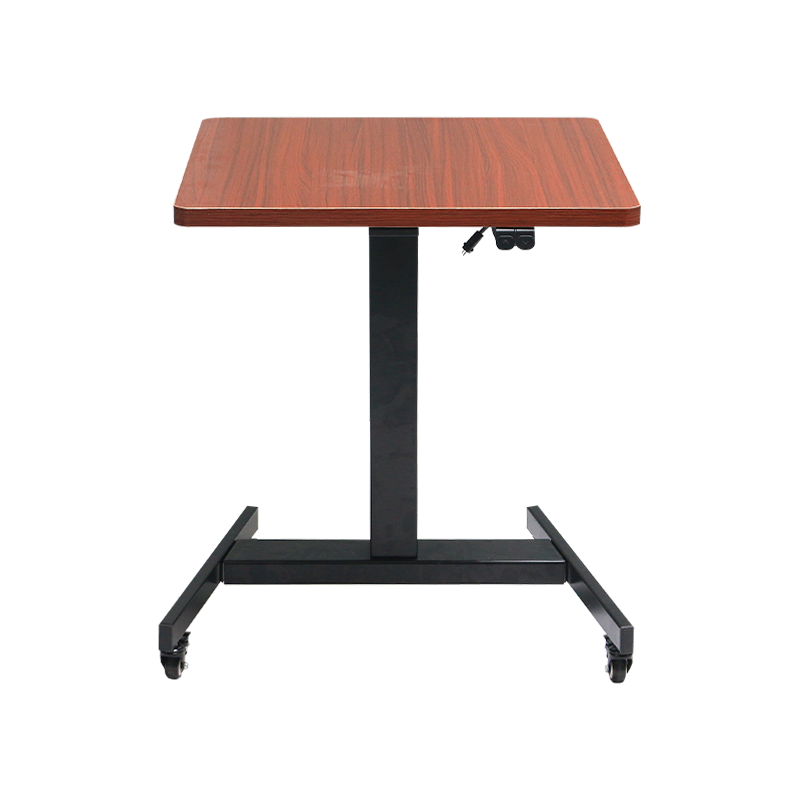
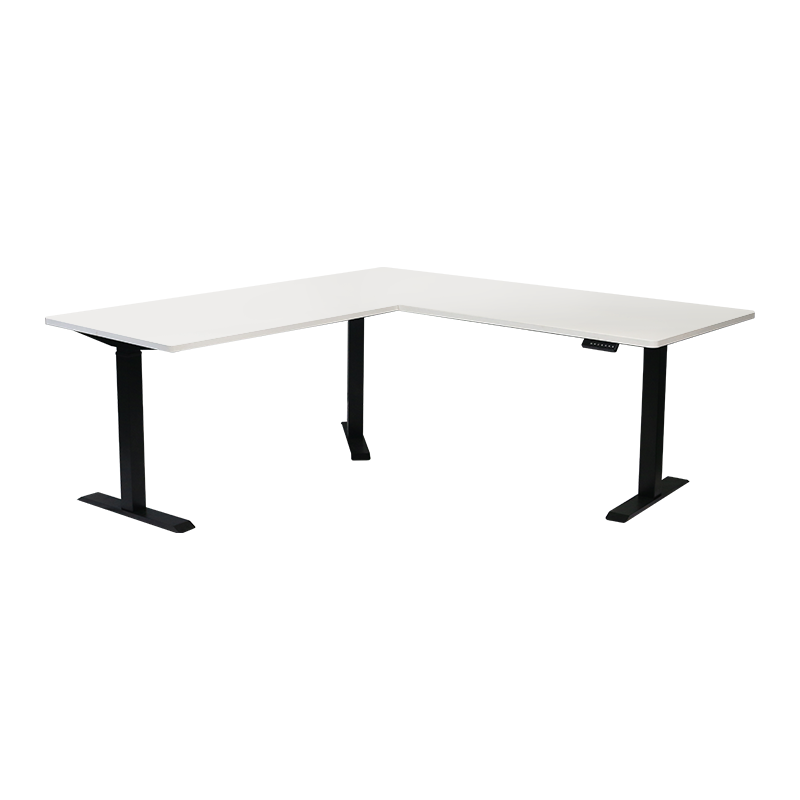
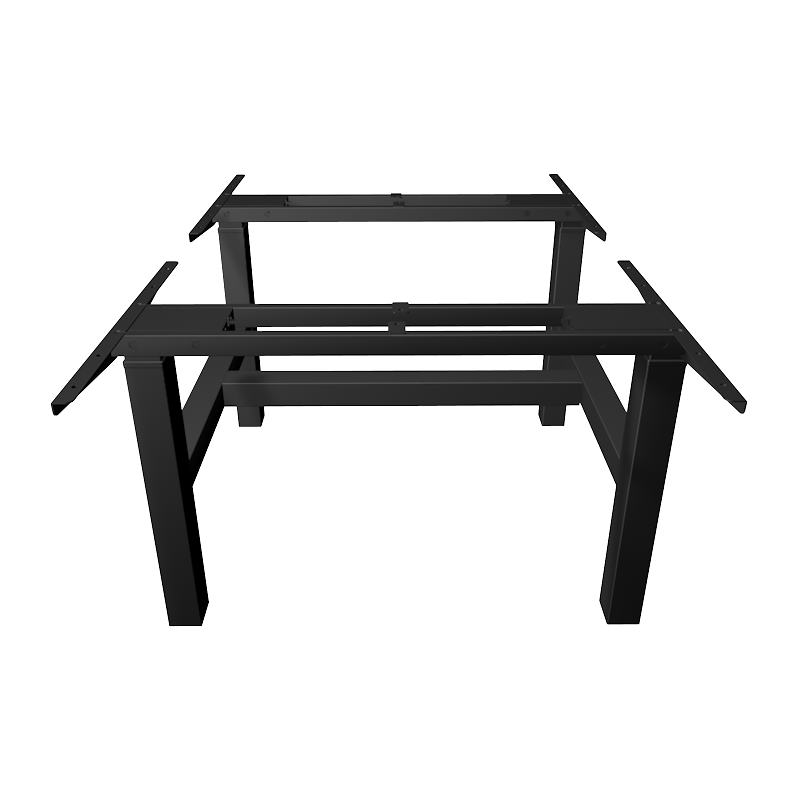
With the changing nature of work, especially the increasing prevalence of remote work and prolonged sitting, health issues have become a growing concern. Problems such as cervical spondylosis, lower back pain, and shoulder pain caused by prolonged sitting are becoming more common, and more people are seeking solutions. The two-leg electric lift table has emerged as an effective tool to address these problems. By providing flexible desktop height adjustment, it helps you change your working posture and reduce physical stress.
However, simply owning a two-leg electric lift table is not enough; using it correctly is crucial to truly realize its stress-reducing benefits.
1. Understanding the Advantages of a Two-Leg Electric Lift Table
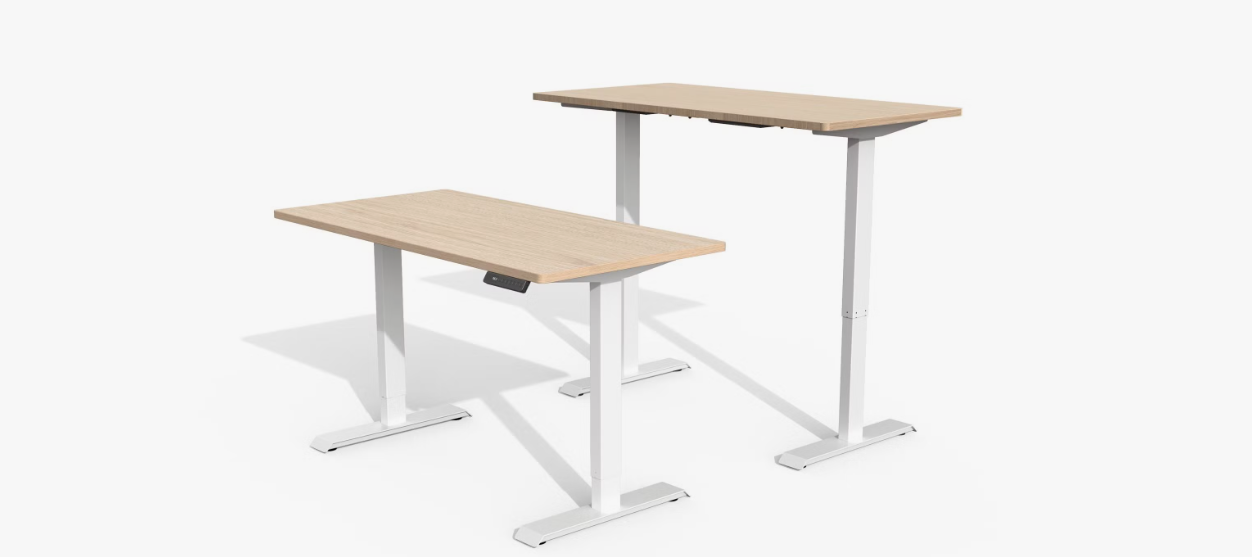
The two-leg electric lift table, through its electric control system, allows for easy adjustment of the desktop height, supporting both sitting and standing postures. Compared to traditional desks, the two-leg electric lift table better adapts to individual height and work needs, providing greater comfort and flexibility. Its main advantages include:
Flexible adjustment: The electric adjustment system allows you to quickly adjust the desktop height as needed, adapting to different work scenarios.
Improved posture: Alternating between sitting and standing effectively reduces the pressure on the spine and joints caused by prolonged sitting.
Improved blood circulation: Standing while working can help improve blood circulation in the lower limbs and reduce leg fatigue caused by prolonged sitting.
2. How to Use a Two-Leg Electric Lift Table Correctly
(1) Adjust to the appropriate sitting height
Correct sitting posture is crucial for good health. When using a two-leg electric lift table, adjust the desktop to the appropriate sitting height based on your height and chair height.
Chair height: Ensure your feet are flat on the ground, with your knees and hips parallel, forming a 90-degree angle.
Desktop height: Adjust the desktop height to ensure your elbows are parallel to the desktop, with your arms naturally bent, avoiding excessive lifting or lowering of the shoulders.
(2) Stand up regularly, changing posture every hour
Maintaining a sitting posture for extended periods puts significant pressure on the spine, neck, and lower back, increasing the risk of injury. It is recommended to stand up and move around every 30 to 60 minutes, switching to a standing work mode. Standing desks can help reduce pressure on the lower back and spine, promote blood circulation, and alleviate fatigue caused by prolonged sitting.
When using a standing desk: Ensure your legs are slightly bent, maintain a natural standing posture, and avoid concentrating your weight on one leg to prevent leg or lower back discomfort.
Standing posture check: When standing, relax your shoulders, keep your eyes level with the screen, and avoid excessive forward tilting of the neck.
(3) Work using a sit-stand approach
To minimize the negative effects of sitting on the body, it is recommended to use a sit-stand approach in your daily work. For example, sit and work for 30 minutes, then adjust to a standing position for 10 to 15 minutes, and then sit down again.
By alternating between sitting and standing, you can effectively avoid fatigue and excessive strain on the cervical and lumbar spine while maintaining work efficiency.
(4) Adjust the height of the monitor and keyboard
Whether sitting or standing, the position of the monitor, keyboard, and mouse is very important. While electric height-adjustable desks can adjust the desktop height, you still need to adjust the position of the monitor and input devices according to your personal needs to ensure a comfortable and ergonomic posture.
Monitor position: The top of the monitor should be level with your eyes, avoiding excessive looking down or up. Typically, the screen should be 45-70 cm from your eyes, with your gaze naturally forward.
Keyboard height: The keyboard should be placed slightly lower than your elbows, with your elbows naturally bent and your wrists straight, avoiding excessive wrist flexion.
(5) Use a suitable standing mat
If you stand for long periods, your feet may become uncomfortable. To reduce the pressure from standing, it is recommended to use a standing mat, which can help distribute the pressure on your feet and reduce fatigue. Wearing comfortable shoes also helps alleviate discomfort from standing.
3. Other usage suggestions for electric height-adjustable desks
(1) Maintain correct sitting and standing postures
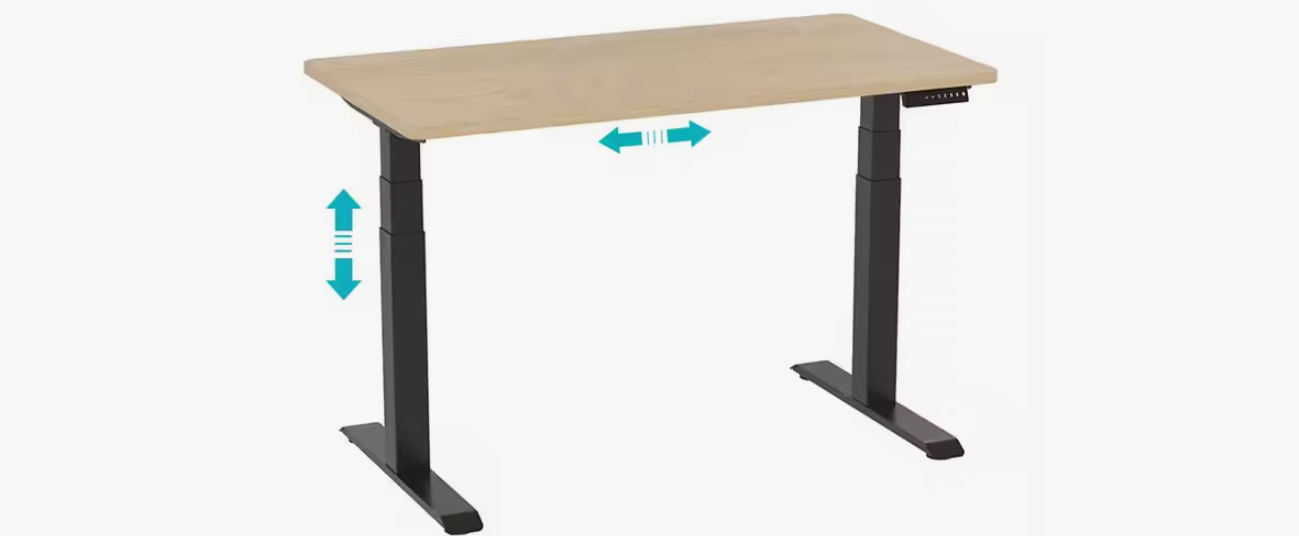
When using an electric height-adjustable desk, correct sitting and standing postures are crucial. Whether sitting or standing, maintain a natural and comfortable posture. Avoid prolonged bending, looking down, or leaning to one side, as this will not only improve work efficiency but also reduce muscle fatigue.
(2) Use an ergonomic chair in conjunction with the desk
When using an electric height-adjustable desk, pairing it with an ergonomic chair can effectively improve your posture. Ergonomic chairs are designed to conform to the human body's curves, providing proper support and reducing pressure on the back and spine.
(3) Keep your desk tidy
Organizing your desk not only improves work efficiency but also prevents clutter from hindering your correct working posture. Keeping your desk tidy allows you to sit more comfortably and provides a clearer line of sight when standing.