 English
 Deutsch
 русский

Quick Answer Before You Read Further
Before comparing frames and control panels, the short version matters most. A dependable Electric Adjustable Desk comes down to four checks: a motor system rated for daily commercial use, a stroke length that covers a real sitting to standing range, a steel frame that stays still at full height, and a supplier that can support your order volume over time. Everything below expands on these ten questions in more depth, with data, comparisons, and practical detail so a buyer or a purchasing team can move from research to a shortlist with confidence.
- Frame type and motor configuration set the baseline for daily reliability
- Weight capacity and stroke length decide whether the desk fits daily office equipment
- Control panel features affect how consistently the desk gets used day to day
- Supplier production scale determines whether OEM and bulk orders are realistic
What Type of Height Adjustable Desk Fits Your Workspace
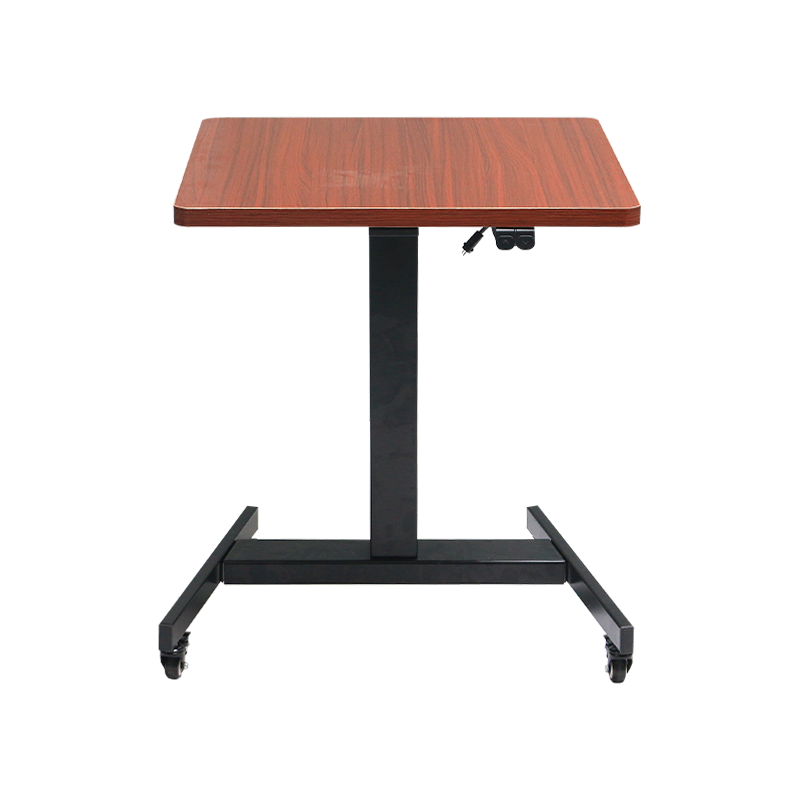
The first decision point is mechanism type. A Height Adjustable Desk generally falls into three groups: manual crank frames, pneumatic spring frames, and electric motorized frames. Manual crank units are the lightest option in terms of internal components but require physical effort at every transition, which in practice means many users simply stop adjusting the desk after the first week. Pneumatic frames move faster but tend to drift downward under heavier monitor and laptop setups over time. An Electric Standing Desk avoids both problems by using a motorized lifting column that holds position under load and adjusts with a button press, which is why it has become the default choice for offices replacing static desks at scale.
Comparing the Three Mechanism Types
| Mechanism | Adjustment Effort | Position Stability | Typical Use Case |
|---|---|---|---|
| Manual Crank | High | Stable | Occasional home use |
| Pneumatic Spring | Low | Moderate drift under load | Light workstations |
| Electric Motorized | Very low | Stable under daily office loads | Home office, commercial office, shared workstations |
For anyone furnishing more than a handful of desks, whether for a home office upgrade or a full floor of workstations, the electric category is where a Sit Stand Desk program tends to succeed long term, simply because the daily friction of adjusting the desk is close to zero.
How Much Weight Capacity Does the Power Lift Desk Provide
Weight capacity is one of the most overlooked specifications until a dual monitor arm, a docking station, and a stack of files are already sitting on top. A Power Lift Desk rated only for light laptop use can start to strain, hesitate, or trigger overload protection once real office equipment is added. Buyers should add up their actual desktop load, monitor arms included, since a single articulating dual monitor arm alone can weigh close to 10 kilograms before any devices are mounted on it.
Typical rated weight capacity ranges by frame configuration, based on common engineering benchmarks used across electric lifting column production
As the chart shows, moving from a single motor economy frame to a dual motor commercial frame roughly triples the usable weight capacity. For a shared workstation, a dual monitor setup, or a standing desk converter carrying a printer or scanner, the higher end of that range leaves useful headroom rather than running the motor near its limit every day.
Single Motor or Dual Motor Which Power Lift Desk Mechanism Wins
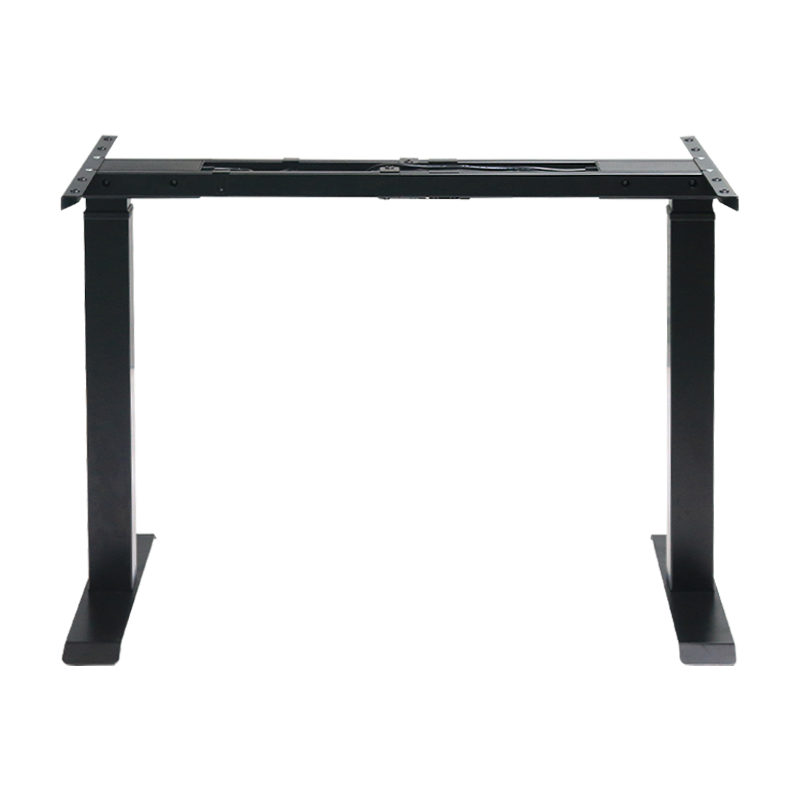
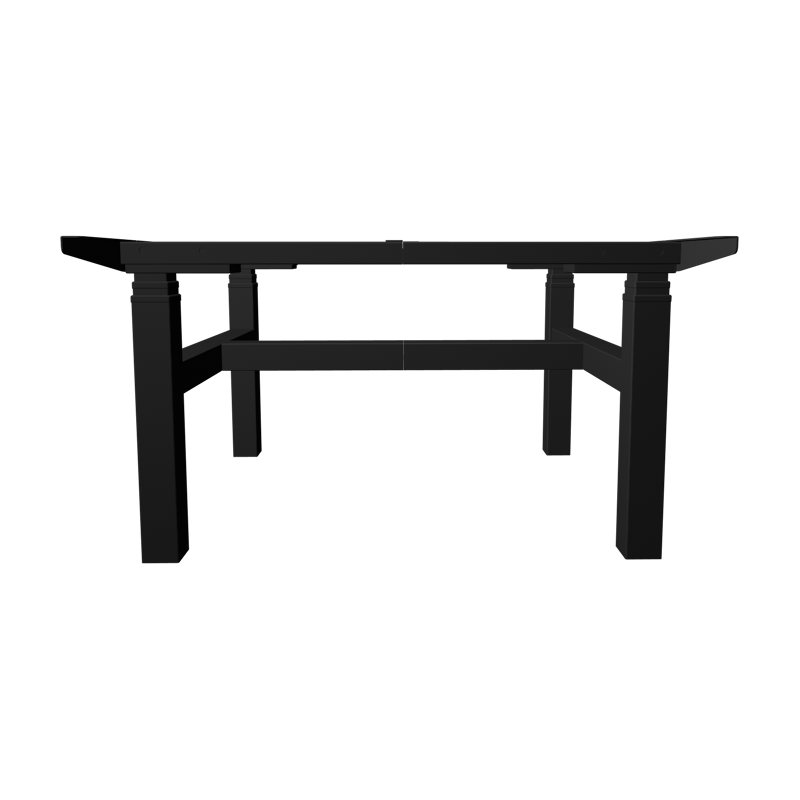
This is the question that decides most of the remaining specification sheet. A single motor frame drives one central lifting column, while a dual motor frame places an independent motor inside each leg. The difference shows up most clearly under load and at full height, where a single motor frame is more likely to tilt slightly or slow down, while a dual motor standing desk manufacturer spec sheet typically shows tighter side to side leveling tolerance because both legs are driven and monitored together.
Relative comparison of single motor and dual motor lifting columns across five practical performance factors
Where Dual Motor Frames Pull Ahead
Two areas separate a dual motor frame most in daily use: stability at maximum standing height and long-term durability under repeated cycles. Since each leg carries its own motor rather than sharing a single drive shaft, the mechanical load is split more evenly, which reduces strain on any single component over years of use. For shared office desks that get adjusted several times a day by different people, this even load distribution is often the more meaningful factor to weigh alongside noise level.
What Height Adjustment Range Should the Electric Adjustable Desk Cover
Stroke length, the total distance the desktop travels between its lowest and highest point, determines whether a desk actually works for both a seated 150cm user and a standing 195cm user at the same workstation. A frame with a narrow range might bottom out too high for a shorter seated user or fall short of true standing height for a taller one. Over recent years, lifting column engineering has steadily extended this range as offices increasingly furnish shared desks for teams with mixed body types.
Average stroke length trend for electric lifting columns, based on general product engineering data across the industry
A wider stroke length, now commonly reaching a total travel distance well beyond 650mm on reinforced columns, means the desktop can sit low enough for a compact seated position and rise high enough for a tall standing user without either end of the range feeling cramped. When comparing an electric standing desk supplier list, this single number is worth checking before frame color or desktop finish.
How Fast Should the Desk Adjust Between Sitting and Standing
Adjustment speed shapes whether people actually use a standing desk throughout the day or leave it in one position out of habit. A frame that takes close to a minute to complete a full transition tends to get adjusted only once or twice a day, while a faster frame encourages more frequent movement between positions, which is closer to the original point of a sit to stand routine.
Typical vertical adjustment speed by frame performance tier
In a shared workstation or hot-desking setup, a slow transition adds friction every time a new person sits down. A frame in the 32 to 45 mm per second range keeps the wait time short enough that the desk becomes a habit rather than a chore, which matters as much for a home office as it does for a full commercial floor.
What Frame Material and Structural Stability Should You Check
Steel gauge and cross bracing determine how much a desktop wobbles when someone types, leans, or bumps the desk at full height. A thinner gauge steel leg looks similar on a spec sheet but flexes noticeably more under the same lateral force, which becomes obvious within the first few months of daily use rather than on day one.
| Factor | What to Check | Why It Matters |
|---|---|---|
| Steel gauge | Leg wall thickness | Thicker walls resist bending under lateral force |
| Cross bracing | Presence of a horizontal support bar | Reduces side to side sway at full height |
| Foot base width | Distance between floor contact points | Wider base improves tip resistance |
| Surface coating | Powder coat versus painted finish | Affects long-term scratch and corrosion resistance |
A height adjustable desk frame supplier that publishes cross bracing details and foot base measurements is usually more transparent about how the frame performs once it leaves the showroom floor and enters daily office use.
What Control Panel and Memory Preset Features Matter
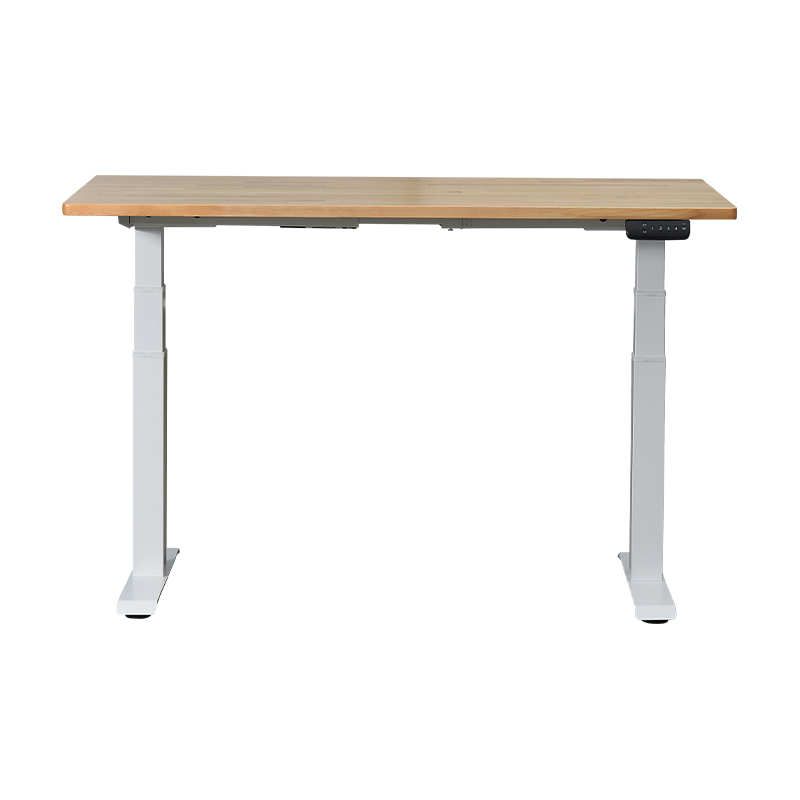
The control panel is where a user interacts with the desk dozens of times a week, so small details here compound quickly. Memory presets let a person save their preferred sitting and standing heights and return to them with one touch instead of holding a button and watching the number climb. Anti-collision sensing stops the desk if it meets unexpected resistance while moving, which protects nearby furniture, cables, and pets.
- Multiple memory presets for shared desks used by more than one person
- Anti-collision detection that stops movement on unexpected resistance
- A digital height display in centimeters or inches for precise positioning
- A child lock function for homes and shared spaces
- USB charging ports built into the control panel or desktop edge
Why This Adds Up Over Time
None of these features are complicated on their own, but together they decide whether the desk gets adjusted daily or gradually gets left in one position. A control panel that takes an extra ten seconds to set up correctly each morning is a control panel most people eventually stop using.
What Desktop Size Shape and Cable Management Should You Consider
The frame gets most of the attention, but the desktop itself needs to match the room and the equipment on it. A narrow desktop under 120cm wide struggles to fit a dual monitor setup comfortably, while an L-shaped or corner desktop suits a workstation that also needs space for paperwork or a secondary display.
| Desktop Width | Suggested Use |
|---|---|
| 100 to 120cm | Single monitor, compact rooms |
| 140 to 160cm | Dual monitor or laptop plus monitor setups |
| 180cm and above | Design work, multi-screen or shared workstations |
Cable management also deserves a direct look rather than an assumption. A grommet hole, an under-desk tray, or a routing channel keeps power cables and monitor cables from tangling every time the desk moves, which matters more on a motorized frame that changes height multiple times a day than on a fixed desk.
Is the Supplier Capable of OEM and ODM Customization
For a buyer sourcing for a brand, a retail program, or a bulk office fit-out, the supplier relationship matters as much as the desk itself. A capable electric adjustable desk manufacturer should be able to support private label packaging, custom frame colors, and logo printing on the control panel or desktop without treating a mid-size order as an afterthought. Working with an established adjustable desk factory China based buyers often turn to gives access to in-house tooling for frame color runs and desktop finishes that a trading company reselling other factories cannot offer directly.
What to Ask a Potential OEM Partner
- Can frame color be matched to a specific brand palette
- Is logo printing available on the control panel, desktop edge, or leg
- What is the minimum order quantity for a custom color run
- Can packaging be adapted for a specific retail or e-commerce channel
Buyers evaluating a wholesale standing desk supplier or a power lift desk manufacturer for a private label program should treat these four questions as a starting checklist before requesting samples. An OEM standing desk manufacturer with its own frame tooling and an electric desk frame manufacturer handling column assembly in-house can usually move a custom color or branding request through development faster than a supplier coordinating multiple outside workshops.
Does the Manufacturer Have Reliable Production Capacity and Export Experience
The final question ties everything together. A well-designed frame is only useful if the factory behind it can produce consistently and ship reliably at the volume a buyer actually needs. Ningbo Fengyi Intelligent Furniture Technology Co., Ltd operates from Ningbo, within the Yangtze River Delta economic region, on a facility covering 5,000 square meters. The team has grown since the company was founded in 2021 and now includes more than 30 staff members supporting research, production, and export operations.
The company focuses on the research, production, and sales of steel and wooden structural office furniture, with an in-house engineering technology center staffed by a team of more than six specialists working on lifting column development and related technical solutions. Product lines center on ergonomic lift desks, workbenches, ergonomic chairs, and ergonomic kids study desks, exported to overseas markets including the United States, Canada, Australia, the United Kingdom, South Korea, Japan, and Taiwan.
Over time, the company has built cooperative relationships with major retailers and importers across North America, including Costco, Whirlpool, Walmart, Home Depot, and Lowe's. For a buyer comparing a sit stand desk manufacturer or a commercial standing desk supplier for an ongoing program, this kind of track record with established retail partners is a practical signal of production discipline and export readiness, alongside the technical specifications covered earlier in this guide.
Frequently Asked Questions
-
Q1: What is an electric adjustable desk
It is a desk with a motorized frame that raises and lowers the desktop between sitting and standing heights at the press of a button, without manual cranking.
-
Q2: How does a power lift desk work
A motor turns a screw mechanism inside the leg column, extending or retracting the column smoothly while keeping the desktop level during movement.
-
Q3: How much weight can a standing desk support
Weight capacity varies by frame type, generally ranging from around 70kg on entry level single motor frames up to 200kg on reinforced dual motor commercial frames.
-
Q4: Are dual motor standing desks better
Dual motor frames generally offer higher weight capacity, steadier leveling at full height, and more even long-term wear across both legs compared with single motor frames.
-
Q5: How high should a standing desk be
Standing height should let the elbows rest at roughly a 90 degree angle with the desktop, which is why a wide adjustment range matters for different body heights.
-
Q6: Do you offer OEM or ODM
Yes, custom frame colors, control panel branding, and packaging adaptations can be arranged for qualifying bulk and private label orders.
-
Q7: Can the frame color be customized
Frame color can be matched to a specified palette for eligible order volumes, using in-house powder coating capability.
-
Q8: Do you provide logo printing
Logo printing on the control panel or desktop surface is available as part of an OEM or private label arrangement.