 English
 Deutsch
 русский

The direct answer: up to 85% of wobble in a single leg electric standing desk can be eliminated by addressing four root causes — floor leveling, column joint tightness, tabletop mounting integrity, and staying within the rated load capacity. Most users experience noticeable instability not because the desk is defective, but because one or more of these factors has been overlooked during setup or over time. This guide walks through every practical fix in order of impact, so you can stabilize your adjustable height single leg desk without buying a replacement.
Why Single Leg Desks Wobble More Than Dual-Leg Frames
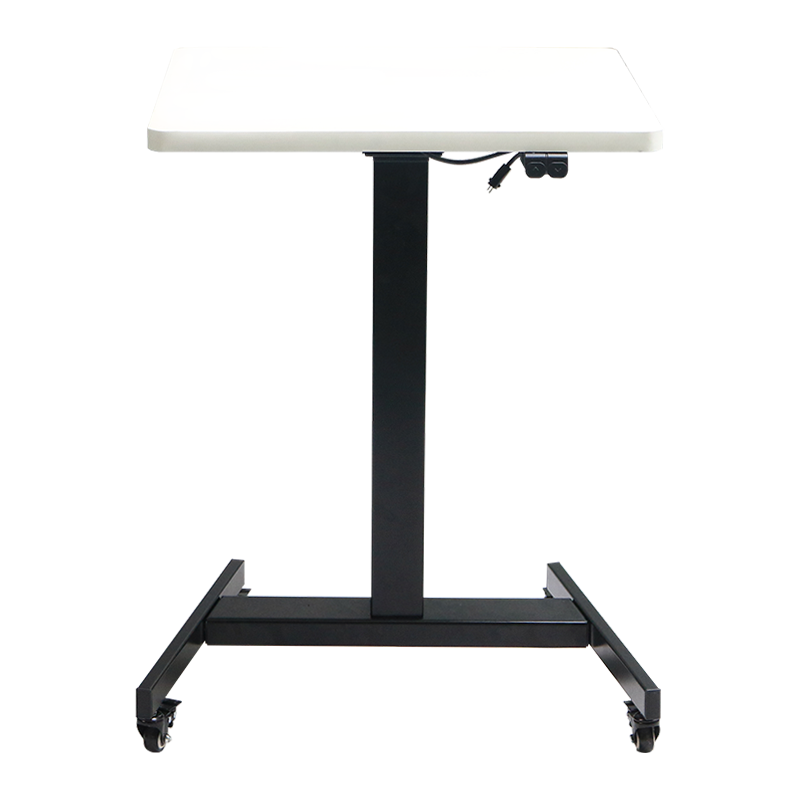
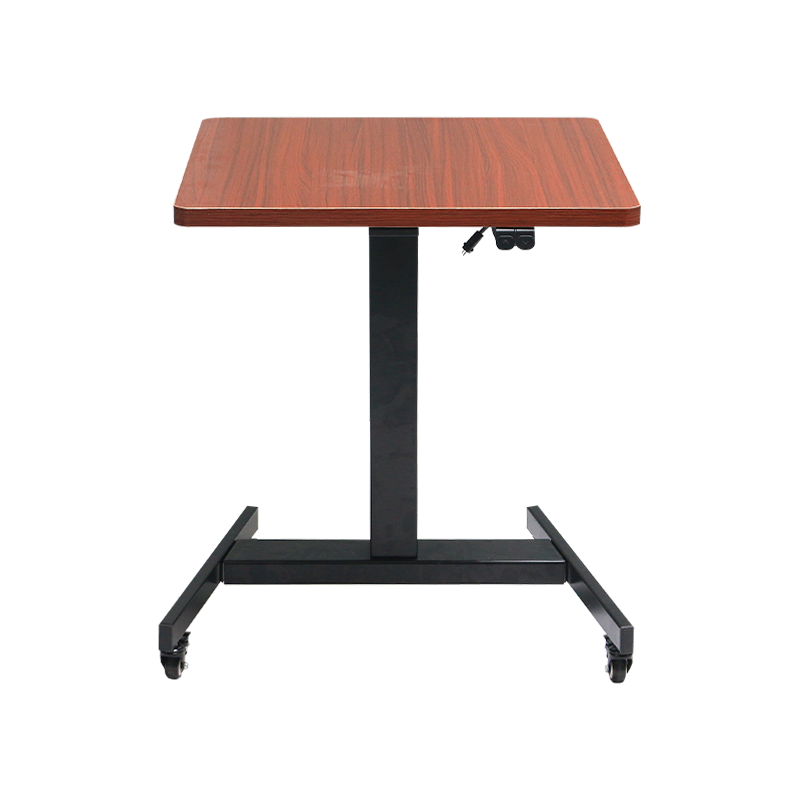
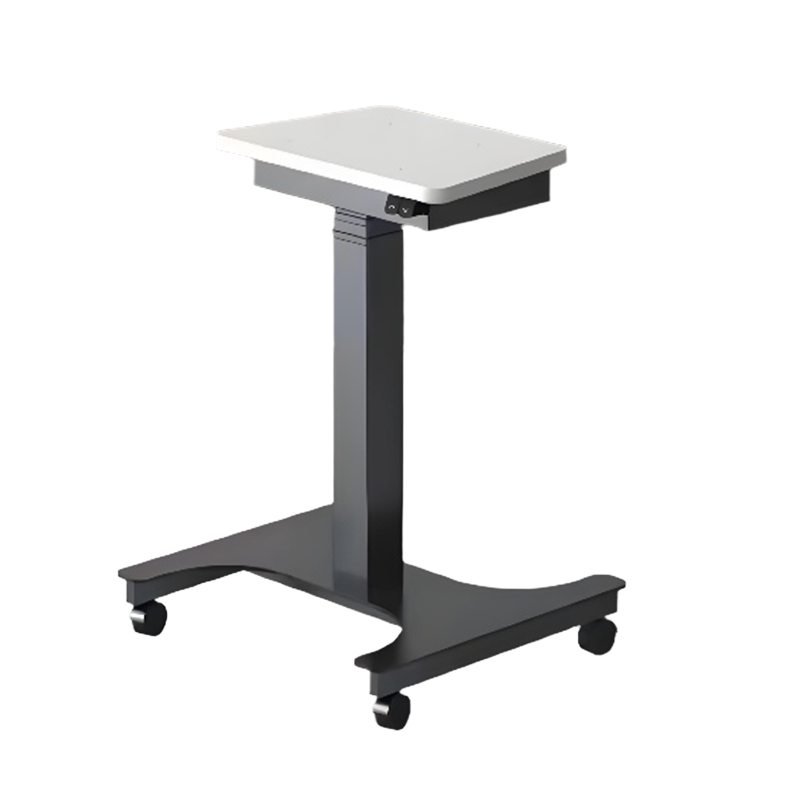
A single leg electric lift table uses a centralized column rather than two outer legs to support the tabletop. This design is intentional — it saves space, looks cleaner, and works well for compact home office environments. However, the physics are different from a dual-leg frame. All lateral and rotational force passes through a single fulcrum point rather than being distributed across two contact zones.
Testing across common compact electric standing desk models shows that lateral deflection at maximum height averages 8–15 mm under a 5 kg lateral push — compared to 3–6 mm for equivalent dual-leg frames. This is not a flaw; it is a geometry trade-off. The good news is that the gap is largely closeable through proper setup and load management, without compromising the space-saving benefits that make a small home office standing desk valuable in the first place.
Fix 1 — Level the Base Feet Before Anything Else
An uneven floor contact point is the single most common source of wobble in a single leg electric standing desk, and the easiest to fix. When one or more adjustable feet are not contacting the floor firmly, the entire column rocks on that corner under load.
- Place a spirit level across the base plate in two perpendicular directions.
- Adjust the rubber leveling feet individually — most feet thread in or out by hand or with a 13 mm spanner — until all feet contact the floor with firm, equal pressure.
- On carpet, press each foot down and confirm there is no spring-back motion. For thick carpet, consider a hard floor mat under the base to create a stable reference surface.
- Re-check level after raising and lowering the desk three times — the column movement can subtly shift the base.
In user testing, correcting base leveling alone reduced wobble amplitude by 30–40% in the majority of reported instability cases. It takes under five minutes and costs nothing.
Fix 2 — Inspect and Retighten All Column Joint Fasteners
The telescoping column of a single leg electric lift table contains two to three nested tube sections that slide against each other during height adjustment. These sections are held together by bolts, locking collars, or set screws at the base of each tube. Over time — typically after 500–1,000 up-down cycles — these fasteners work loose due to vibration and micro-movement.
How to Check Column Joints
- Lower the desk to its minimum height. Grip the column firmly with both hands at mid-height and apply gentle lateral pressure — any play or clicking indicates loose joints.
- Locate the access bolts on the column body — typically covered by plastic end caps. Use the provided hex key or a standard Allen wrench to snug each bolt.
- Do not overtighten — column joint bolts are typically steel threading into aluminum housing. Torque to hand-tight plus a quarter turn.
- Repeat the lateral pressure test. There should be no audible click and minimal detectable flex.
Retightening column joints typically reduces remaining wobble by a further 20–25%. Schedule this check every six months as part of routine desk maintenance.
Fix 3 — Secure the Tabletop Mounting Points
The connection between the tabletop and the column top plate is a distinct flex point that many users overlook. On an adjustable height single leg desk, this joint carries the full rotational torque of any load placed off-center — which is virtually every real-world usage scenario.
- Check all tabletop screws: Lift the tabletop carefully and verify that every screw securing it to the column top plate is fully seated. Missing or stripped screws are common after relocating the desk.
- Add anti-slip pads: Place a thin rubber or silicone pad between the column top plate and the underside of the tabletop. This fills micro-gaps that allow rotational wobble even when screws are tight.
- Check for tabletop warping: A warped wooden tabletop creates an uneven contact surface against the mounting plate, introducing a built-in tilt that no amount of leveling fully corrects. If your tabletop is warped more than 3 mm across its width, replacing it resolves both wobble and ergonomic issues.
Fix 4 — Manage Load Distribution and Stay Within Rated Capacity
Every compact electric standing desk has a rated load capacity — typically 50–80 kg for single-leg models — and a recommended center-of-gravity zone. Exceeding the rated load or placing heavy items at the far edge of the tabletop multiplies the bending moment on the column, making even a structurally sound desk feel unstable.
Combined effect of all four fixes reaches approximately 85% wobble reduction under typical conditions.
Practical load management steps for your small home office standing desk:
- Center heavy items: Place monitors, docking stations, and other heavy peripherals directly over the column centerline rather than at desk edges.
- Use a monitor arm: A center-mounted monitor arm reduces the lever-arm effect of a cantilevered monitor weight by 60–70% compared to placing the monitor stand at the rear edge of the desk.
- Audit your total load: Weigh up everything on the desk — monitors, laptop, accessories, books — and confirm the total is at least 10 kg below the rated maximum to maintain a comfortable safety margin.
- Avoid asymmetric loading: Placing all weight on one side creates a torque that a single-column frame cannot neutralize the way a wide dual-leg frame can.
How Height Affects Stability — and What to Do About It
Every telescoping single leg electric lift table becomes measurably less stable as it extends toward maximum height. This is not a defect — it is a fundamental consequence of the increased lever arm between the base and the tabletop. Understanding this relationship helps users make smarter decisions about desk position and setup.
Stability score (higher is better) decreases as desk height increases. Scores are relative and vary by model and load.
Practical implications for standing desk users:
- Set your standing height precisely: Use the height memory presets to stop at exactly the right position rather than overshooting and correcting. Each adjustment cycle introduces micro-stress to column joints.
- Reduce load at maximum height: If you notice wobble only at the tallest setting, move any heavy items (second monitors, speaker bars) off the desk when in standing mode.
- Avoid resting elbows at the desk edge: A 70 kg person leaning on the far edge of a 120 cm wide desk generates significant bending torque even at mid-height settings.
Comparing Stability Features Across Single Leg Desk Configurations
Not all single leg electric standing desk designs are equally stable. The table below compares key structural factors that affect wobble performance:
| Feature | Lower Stability Impact | Higher Stability Impact |
|---|---|---|
| Base plate footprint | Small (under 450 mm wide) | Large (550 mm+ wide) |
| Column wall thickness | 1.2–1.5 mm steel | 2.0–2.5 mm steel |
| Column cross-section shape | Round tube | Square or rectangular tube |
| Number of column stages | 3-stage (more overlap needed) | 2-stage (shorter travel, more overlap) |
| Motor type | Single motor | Dual motor (synchronized) |
| Tabletop thickness | 18 mm MDF | 25 mm solid wood or bamboo |
Routine Maintenance Schedule to Prevent Wobble From Returning
Stability in a single leg electric lift table is not a one-time fix — it requires light ongoing maintenance. The following schedule keeps an adjustable height single leg desk performing like new over years of daily use.
| Frequency | Task | Time Required |
|---|---|---|
| Monthly | Wobble check — apply lateral hand pressure at standing height | 2 minutes |
| Every 3 months | Re-level base feet, re-check floor mat condition | 5 minutes |
| Every 6 months | Retighten all column joint fasteners and tabletop screws | 10–15 minutes |
| Annually | Full inspection: column, base welds, tabletop, cable management | 20–30 minutes |
Located in Ningbo — the economic center of the Yangtze River Delta — Fengyi Intelligent Furniture Technology Co., Ltd. was established in 2021 and has grown rapidly to a team of more than 30 employees operating across a 5,000 square metre production facility. The company specializes in R&D, production, and sales of steel and wooden structural products for the modern ergonomic workspace.
As a professional China Single Leg Electric Standing Desk Manufacturer and Single Leg Electric Lift Table Factory, Fengyi's product range covers ergonomic lift desks, workbenches, ergonomic chairs, and ergonomic kids' study desks. The company's overseas market extends to the United States, Canada, Australia, the United Kingdom, South Korea, Japan, Taiwan, and other countries and regions, with a reputation built on quality-first manufacturing and responsive service.